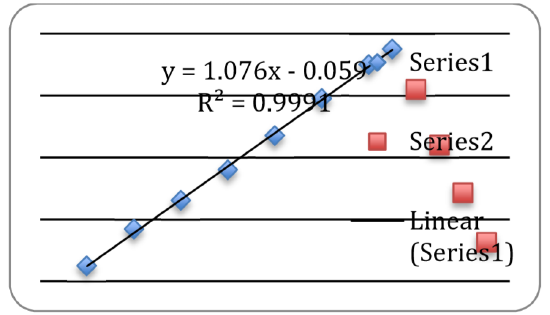
Chemistry LibreTexts features this excellent guided activity for introducing general chemistry students to data analysis using Microsoft Excel as contributed by Santa Monica College. In addition to learning how to determine averages, standard deviations, and outliers, students learn how to create simple scatter plots, as well as plots containing multiple data sets. The exercise features detailed instructions and a series of questions for students to complete and turn in.
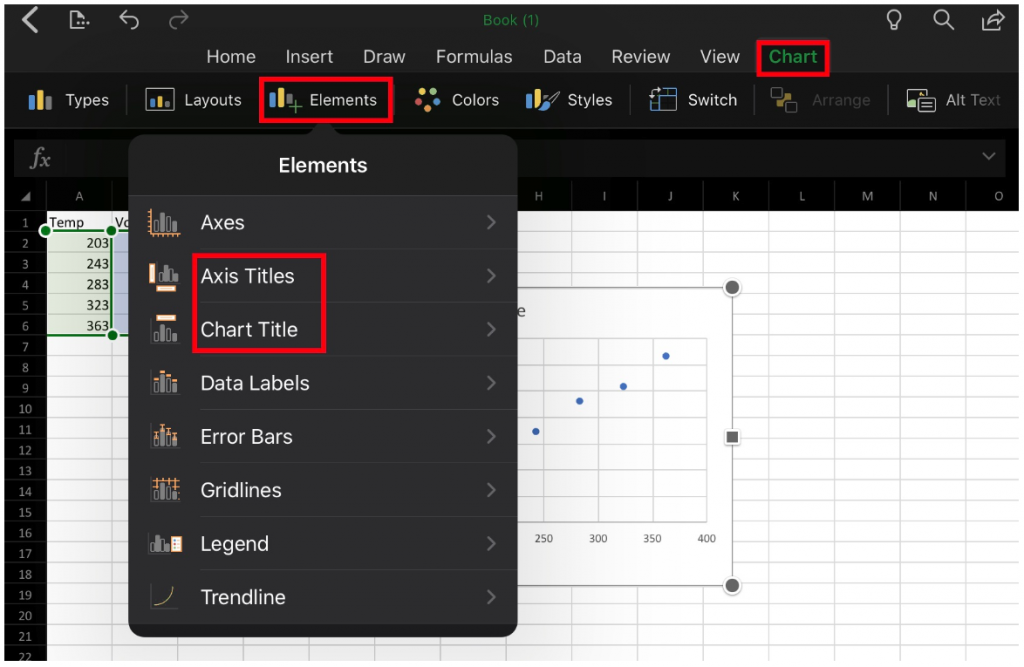
At Maryville University, we have adapted this activity for use with an iPad (Excel for iPad is quite a bit different than the desktop version):